- Scams
- Online Scams
Fake Websites
Fake Websites
Last updated
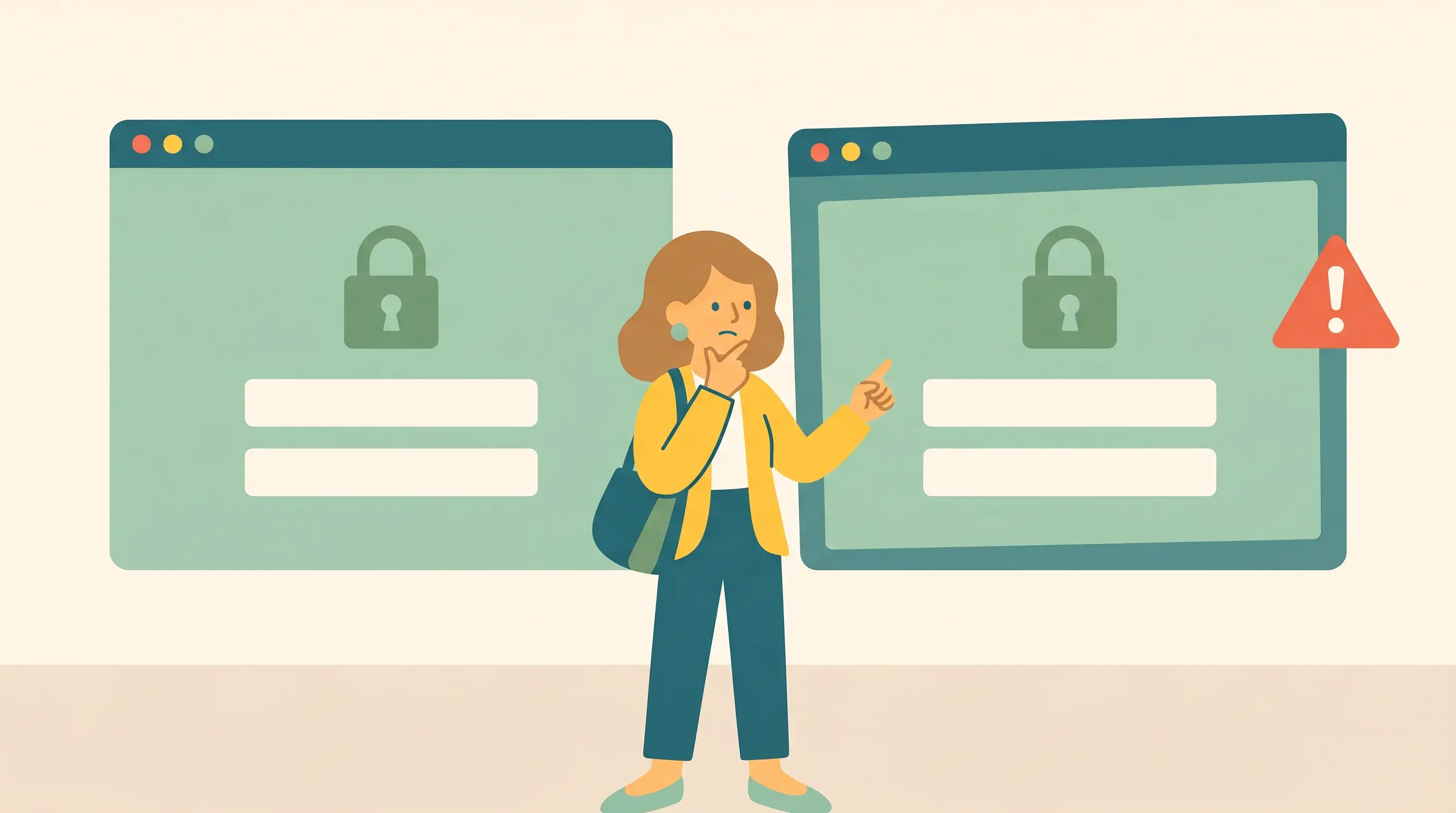
A fake website is made to look like a real one, for example your bank, Facebook or a government agency. You usually end up there through a link in an email, a text message or an ad. Whatever you enter, such as passwords, card details or a BankID login, goes straight to the scammers.
Warning signs
The address in the address bar is wrong, for example "swedbank-login.com" instead of "swedbank.se".
You reached the page through a link in an email, a text message or an ad.
It's urgent, for example your account will be "blocked" if you don't log in right away.
The page asks for more than usual, for example both your card number and BankID.
A padlock in the address bar only means the connection is encrypted, not that the site is genuine.
How do you avoid this?
- Go to important sites through a bookmark or the app, not through links.
- Check the address bar before you log in or fill anything in.
- Turn on two-step verification, so your password alone isn't enough to get into your account.
Has this happened to you?
- Have you entered a password? Change it right away, including anywhere else you use the same password.
- Have you given your card details or logged in with BankID? Call your bank right away and block the card.
- Report it to the police at polisen.se or call 114 14.
- login
- fake website
- phishing
- password